

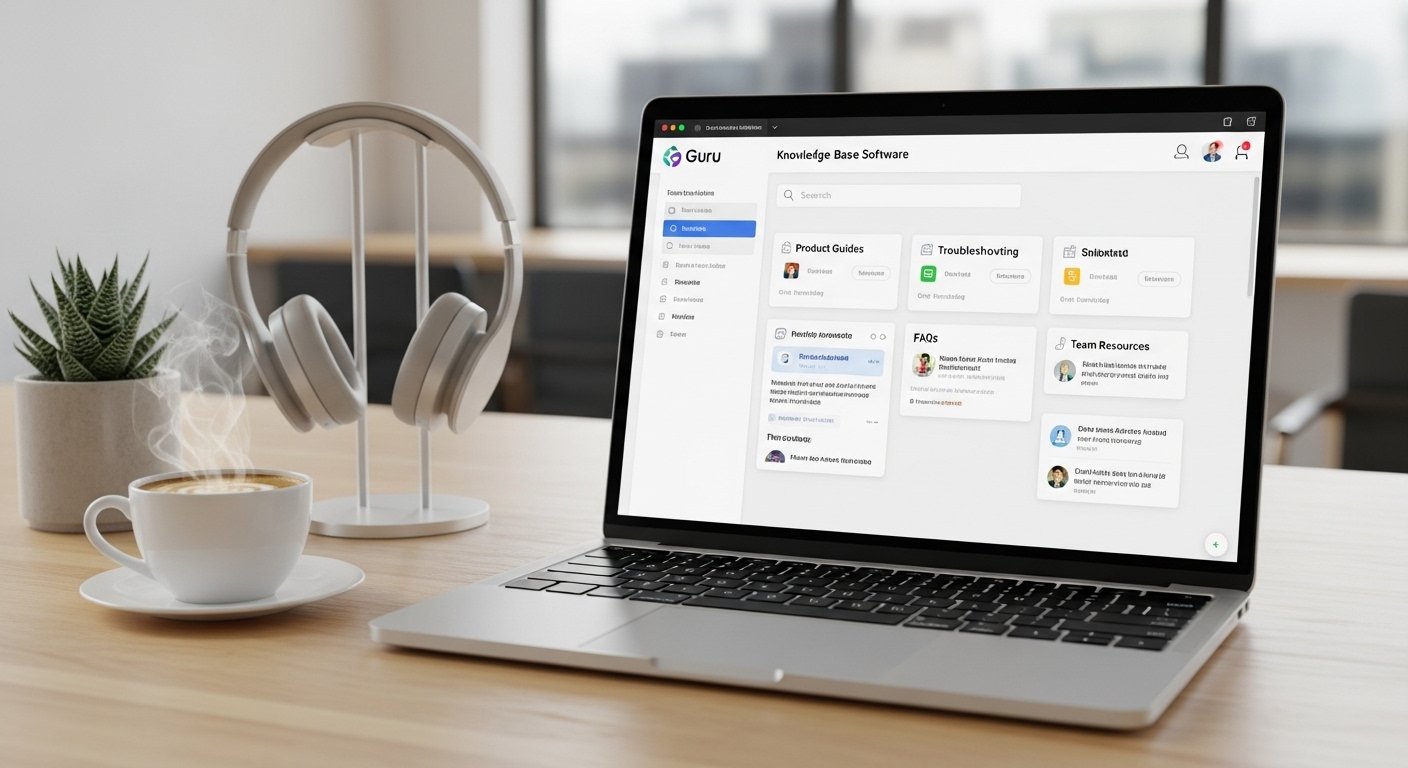
In today’s fast-moving digital workplace, finding the right information quickly can make a huge difference in productivity. Teams often struggle with scattered documents, outdated files, endless Slack messages, and confusing internal wikis. Employees waste valuable time searching for answers instead of focusing on meaningful work.
This is where Guru AI steps in.
Guru is an AI-powered knowledge management platform designed to help organizations organize, verify, and share information more efficiently. Instead of storing company knowledge in disconnected folders and outdated documents, Guru creates a centralized system where employees can instantly access trusted information whenever they need it.
Unlike traditional wiki platforms, Guru integrates directly into the tools companies already use every day, including Slack, browsers, CRMs, Microsoft Teams, and customer support systems. This allows employees to find accurate answers without constantly switching between apps and tabs.
In this detailed guide, we’ll explore:
- What Guru AI is
- How it works
- Key features
- Pricing estimates
- Advantages and disadvantages
- Real-world use cases
- Comparisons with competitors
- Why modern businesses are adopting AI-powered knowledge systems
What Is Guru AI?
Guru is a modern knowledge management and collaboration platform powered by artificial intelligence.
Its primary purpose is to act as a company’s single source of truth. This means employees can rely on Guru for accurate, updated, and verified company information without second-guessing whether the content is outdated.
Instead of using traditional long-form documentation systems, Guru organizes information into small, easy-to-read pieces called Knowledge Cards. These cards make information simpler to consume, update, and search.
Guru is especially popular among:
- Customer support teams
- Sales departments
- HR teams
- Remote companies
- Technical organizations
- Fast-growing startups
Why Traditional Knowledge Systems Often Fail
Many businesses rely on:
- Old company wikis
- Shared drives
- Google Docs
- Email threads
- Internal PDFs
Over time, these systems become difficult to manage.
Common problems include:
- Outdated information
- Duplicate documents
- Broken links
- Confusing folder structures
- Employees asking the same questions repeatedly
Traditional documentation also suffers from something known as knowledge decay, where information slowly becomes inaccurate because nobody updates it regularly.
Guru was designed specifically to solve these issues.
How Guru AI Works
Guru combines:
- AI search
- Verified knowledge
- Workflow integrations
- Smart content organization
The platform captures company knowledge and delivers it directly inside employees’ workflows.
For example:
- A sales rep using Salesforce can instantly access pricing information.
- A support agent inside Slack can pull troubleshooting steps.
- A remote employee can search HR policies without leaving Microsoft Teams.
This saves time and reduces confusion.
Key Features of Guru AI
Guru includes several advanced features that make it stand out from traditional knowledge management tools.
1. Knowledge Cards
One of Guru’s most recognizable features is its card-based system.
Instead of writing extremely long documents, information is broken into smaller pieces called cards.
Each card focuses on:
- One topic
- One answer
- One process
- One instruction
This format makes information:
- Easier to scan
- Faster to read
- Simpler to update
- More useful during busy workflows
For example:
A customer support team may create separate cards for:
- Refund policies
- Password reset steps
- Shipping timelines
- Technical troubleshooting
Employees can quickly search and find the exact answer they need.
2. Verification Workflow
One of Guru’s strongest features is its verification system.
Every piece of information can have:
- An assigned owner
- Review schedules
- Expiration reminders
Guru automatically reminds subject experts to review content periodically.
This helps prevent outdated information from spreading throughout the company.
For example:
If pricing information changes, Guru alerts the assigned expert to verify and update the content.
This system creates trust because employees know the information is actively maintained.
3. AI-Powered Knowledge Assistance
Guru now includes advanced AI capabilities that help employees find information faster.
The AI system can:
- Answer natural language questions
- Summarize information
- Suggest relevant resources
- Pull answers from connected systems
- Conduct deep searches across company knowledge
Employees can ask questions like:
- “What is our refund policy?”
- “How do I onboard a new client?”
- “Where is the latest product pricing sheet?”
The AI instantly delivers relevant verified answers.
4. Browser Extension Integration
Guru’s browser extension is one of its most practical features.
Employees can access information directly while working inside:
- Gmail
- Salesforce
- Zendesk
- HubSpot
- Chrome
- Support dashboards
This reduces the need to constantly switch tabs or search through documents manually.
For customer-facing teams, this can dramatically improve response times.
5. Slack and Microsoft Teams Integration
Modern workplaces heavily rely on communication platforms.
Guru integrates smoothly with:
- Slack
- Microsoft Teams
Employees can:
- Search Guru inside chats
- Share verified answers instantly
- Access company knowledge without leaving conversations
This creates a smoother workflow and reduces repetitive questions.
6. Analytics and Reporting
Guru provides detailed analytics that help organizations improve internal knowledge systems.
Managers can track:
- Most-viewed cards
- Frequently searched topics
- Knowledge gaps
- Employee engagement
- Unanswered questions
These insights help businesses identify where employees struggle most.
Benefits of Using Guru AI
Guru offers several major advantages for modern organizations.
Faster Access to Information
Employees spend less time searching for answers.
Instead of browsing through:
- old emails
- PDFs
- shared drives
they receive instant verified information.
Improved Team Productivity
When employees quickly find answers:
- support tickets resolve faster
- onboarding improves
- workflows become smoother
This saves valuable work hours.
Reduced Repetitive Questions
Managers and senior employees often waste time answering the same questions repeatedly.
Guru centralizes answers so employees can self-serve information.
Better Remote Collaboration
Remote and hybrid teams especially benefit from centralized knowledge systems.
Employees working across different locations can access the same trusted information instantly.
Stronger Knowledge Accuracy
Guru’s verification system keeps content fresh and reliable.
This reduces confusion caused by outdated information.
Pricing Overview (2026 Estimates)
Guru typically uses a per-user monthly subscription model.
Estimated pricing tiers include:
| Plan | Estimated Price | Main Features |
|---|---|---|
| Starter | Around $10/user/month | Basic knowledge management, Slack integration, browser extension |
| Builder | Around $15–18/user/month | AI search, advanced integrations, custom collections |
| Expert | $20+/user/month | AI answers, premium analytics, SSO, priority support |
Actual pricing may vary depending on:
- company size
- annual billing
- enterprise agreements
Pros of Guru AI
1. Reliable Information
The verification system helps maintain accurate content.
2. Easy to Use
The interface is simple and beginner-friendly.
3. Fast Implementation
Many businesses can migrate existing documentation quickly.
4. Excellent Workflow Integration
Guru works inside tools employees already use daily.
5. AI Enhancements
The AI assistant improves search speed and answer quality.
Cons of Guru AI
Despite its strengths, Guru also has limitations.
1. Requires Ongoing Maintenance
Experts must regularly review and verify content.
Without active participation, knowledge quality may decline.
2. Limited Long-Form Documentation
The card-based structure works well for short answers but may feel restrictive for:
- complex manuals
- large technical documents
- multi-page guides
3. Search Limitations
Historically, Guru focused mainly on its own knowledge base.
Although newer AI integrations are improving this, some competitors offer stronger enterprise-wide search capabilities.
Real-World Use Cases
Guru is widely used across different industries.
Customer Support Teams
Support agents can instantly access:
- troubleshooting guides
- refund rules
- account procedures
This improves customer satisfaction.
Sales Teams
Sales representatives quickly find:
- pricing updates
- competitor comparisons
- product details
This helps close deals faster.
Human Resources
HR departments use Guru for:
- onboarding materials
- employee handbooks
- policy documentation
IT and Technical Teams
Technical organizations store:
- SOPs
- security procedures
- deployment instructions
- troubleshooting documentation
Popular Alternatives to Guru
Although Guru is powerful, some businesses prefer other platforms depending on their needs.
Notion
Notion
Notion is highly flexible and supports:
- documentation
- databases
- project management
- collaboration
Best for teams wanting an all-in-one workspace.
Atlassian Confluence
Atlassian Confluence
Confluence is popular among technical and enterprise teams.
It works especially well for:
- software documentation
- engineering teams
- large organizations
Tettra
Tettra
Tettra is a simpler lightweight option often used by smaller businesses.
Glean
Glean
Glean focuses heavily on enterprise-wide search across:
- Google Drive
- Jira
- Slack
- company apps
Why AI Knowledge Management Is Growing
Modern workplaces generate enormous amounts of information every day.
Without proper organization:
- productivity drops
- employees become overwhelmed
- teams duplicate work
- communication slows down
AI-powered systems like Guru solve these problems by making information:
- searchable
- verified
- accessible
- organized
As remote work continues growing, centralized knowledge systems are becoming increasingly important.
Is Guru AI Worth It?
For many organizations, Guru provides a major improvement over outdated wiki systems and scattered documentation.
It works especially well for companies that:
- rely heavily on internal knowledge
- operate remotely
- manage fast-moving teams
- need accurate information quickly
However, businesses requiring extensive long-form documentation may still prefer more flexible platforms like Notion or Confluence.
The best choice depends on your company’s:
- size
- workflow
- collaboration style
- documentation needs
Final Thoughts
Guru AI is more than just a documentation tool. It is a smart knowledge management platform designed for the modern workplace.
By combining:
- AI-powered search
- workflow integrations
- verified content
- collaborative tools
Guru helps teams work faster and smarter.
Its card-based approach makes information easy to consume, while its verification system ensures employees always access reliable answers.
As businesses continue moving toward AI-driven productivity systems, platforms like Guru are becoming essential for improving communication, collaboration, and efficiency across organizations.
For companies struggling with scattered information and outdated documentation, Guru offers a practical and intelligent solution built for today’s digital work environment.